

Task Tracker Pro – Plan, Prioritize & Get More Done
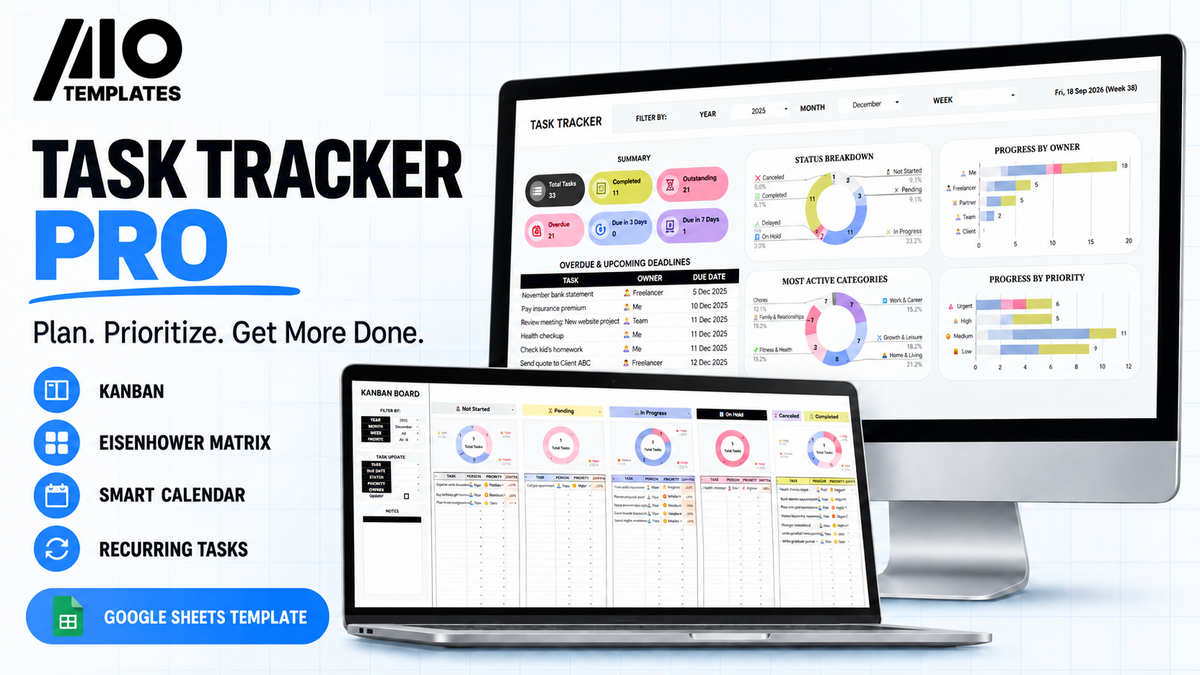


Take control of your workload with an all-in-one task management system built in Google Sheets. Organize one-time and recurring tasks, prioritize your work with the Eisenhower Matrix, visualize progress on a Kanban board, manage deadlines with a smart calendar, and receive automated email reminders


A Smarter System Built to Help You Achieve More
Explore seven connected sheets designed around proven productivity methods and automated to keep your work organized.
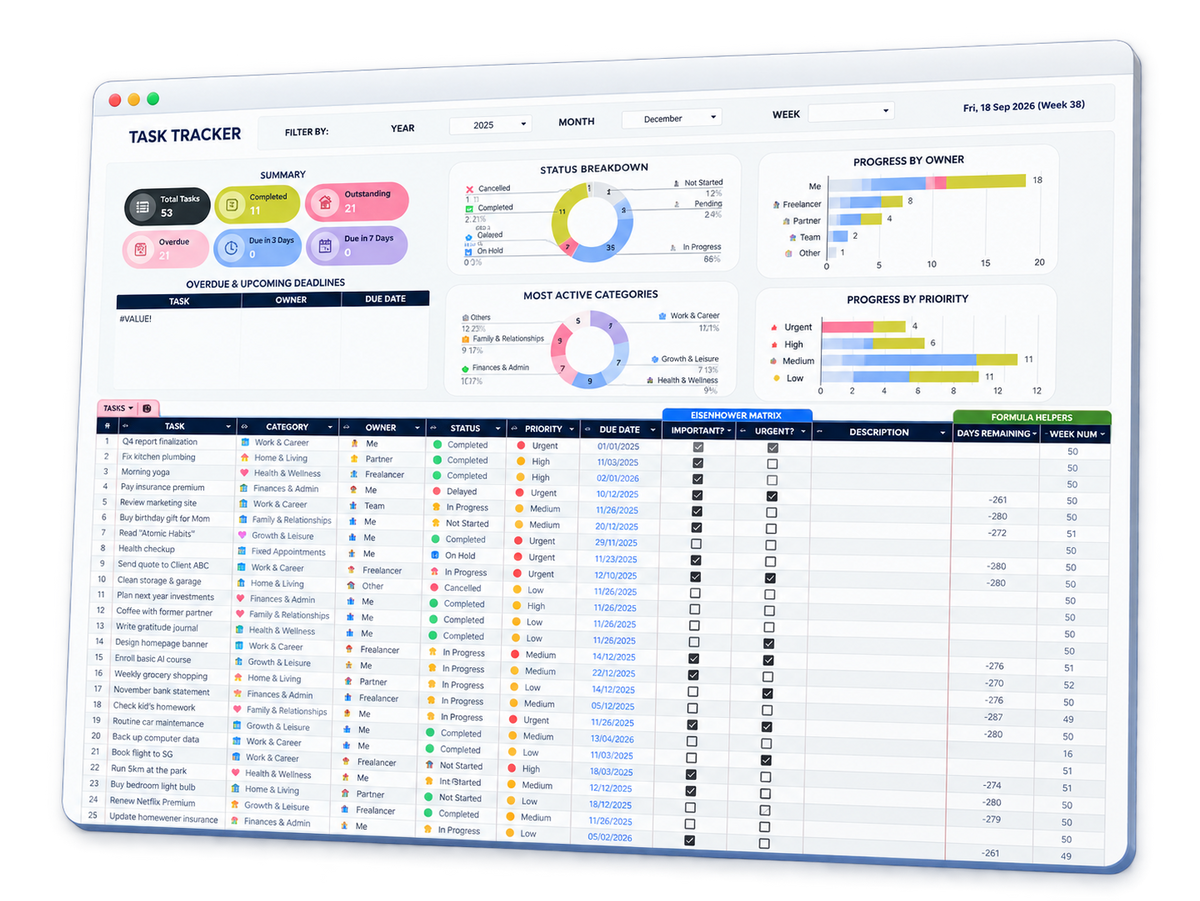
Smart Time Filters
Filter your dashboard by year, month, or week.
Task Summary
View total, completed, outstanding, and overdue tasks.
Deadline Tracking
See overdue tasks and upcoming deadlines in one place.
Visual Progress Reports
Review progress by status, owner, category, and priority.
Detailed Task Control
Manage owners, statuses, priorities, due dates, and Eisenhower labels.
Smart Calendar Sheets
Automatically display tasks and deadlines on a weekly calendar
Eisenhower Matrix Sheet
Automatically organize tasks by importance and urgency.
Kanban Board Sheet
Track every task through each workflow stage.
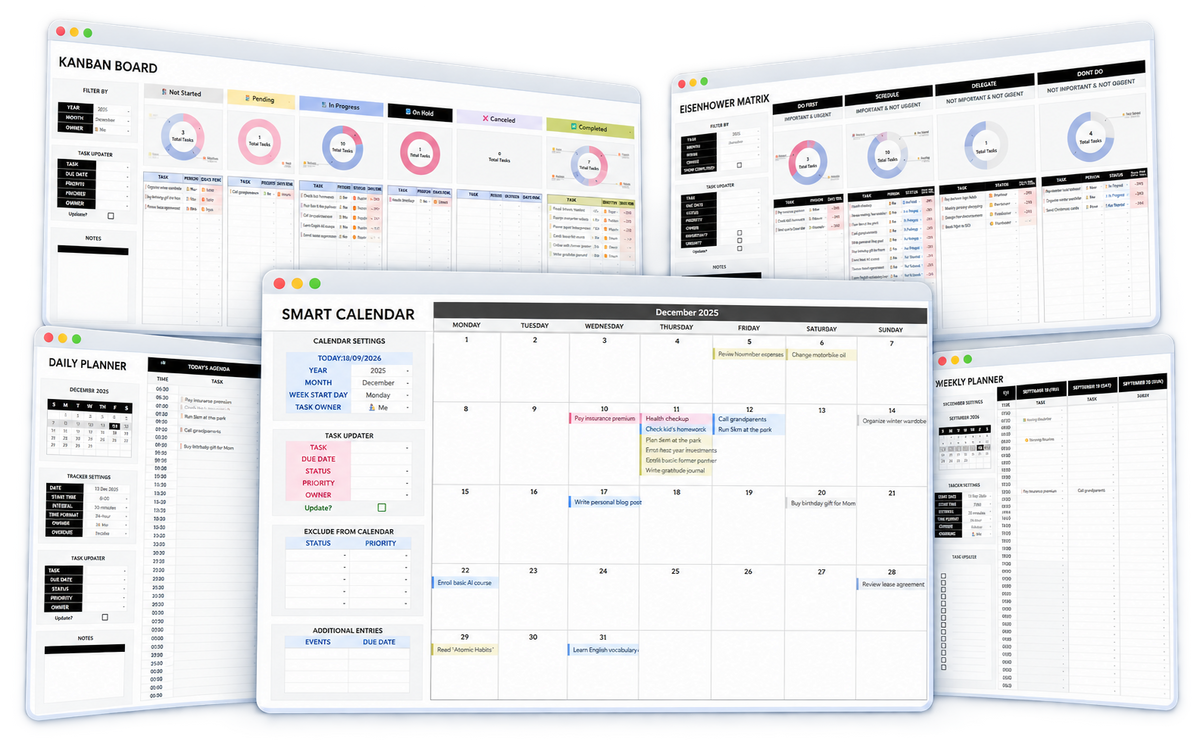
Daily Planner Sheet
Organize today’s tasks and priorities.
Weekly Planner Sheet
Plan your entire seven day workload.
Settings Sheet
Customize the options used throughout the template.
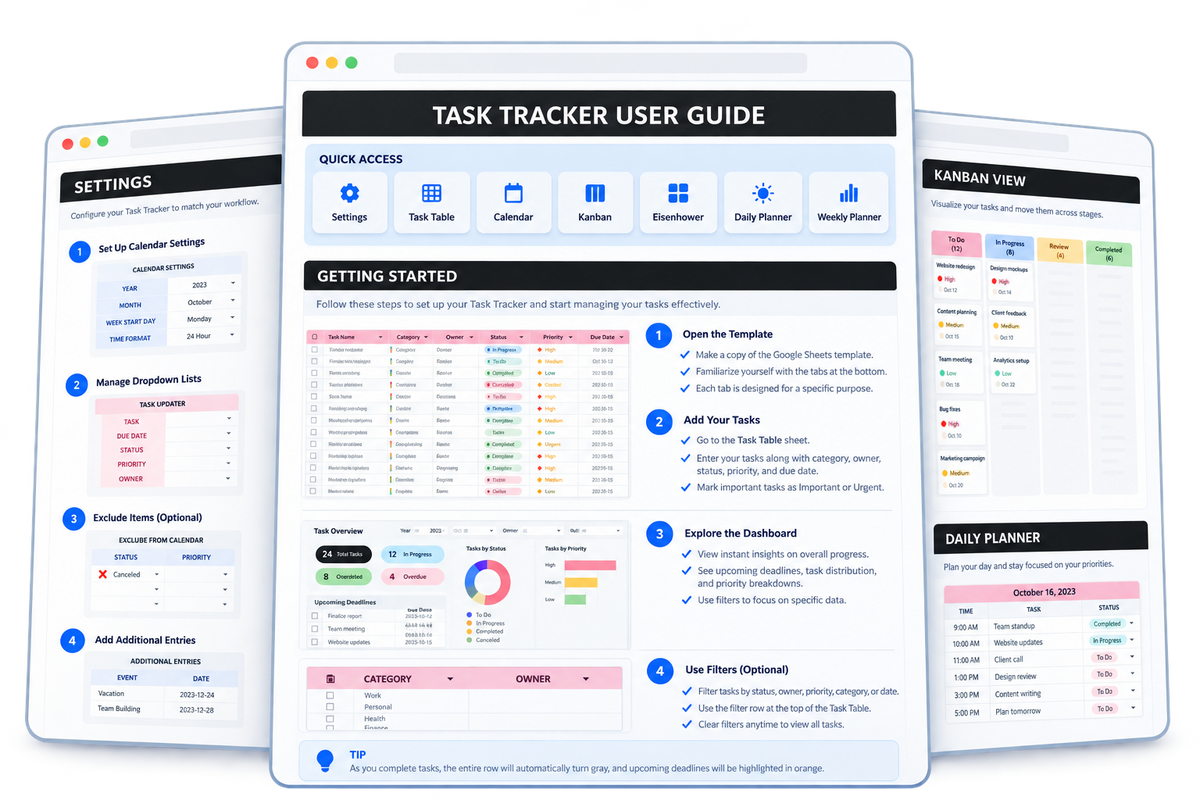
Quick Start
Copy the template and get ready to start planning.
Settings Setup
Configure your time zone, categories, owners, statuses, and priorities.
Task Table Guide
Learn how to add, update, filter, and manage your tasks.
Smart Calendar Guide
Set up your calendar and update tasks directly from the calendar view.
Kanban Board Guide
Customize workflow stages and update tasks from the Kanban view.
Eisenhower Matrix Guide
Classify tasks by importance and urgency into four priority groups.
Daily Planner Guide
Configure your schedule, review deadlines, and plan each day.
Weekly Planner Guide
Organize tasks across the week and manage upcoming priorities.
See every page and feature working together in a real storefront.
EXPLORE THE LIVE DEMOInstall Your Theme With Confidence
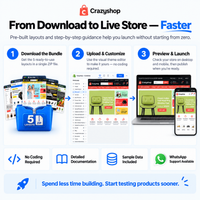
Follow the visual guide, open the full documentation, or get personal setup support.

Complete Documentation Included
Your step-by-step guide is included inside the theme download package.
Need Help With a Step?
If anything in the guide is unclear, message us for personal assistance.
Want Us to Set It Up?
Let us install and configure the theme for your store.